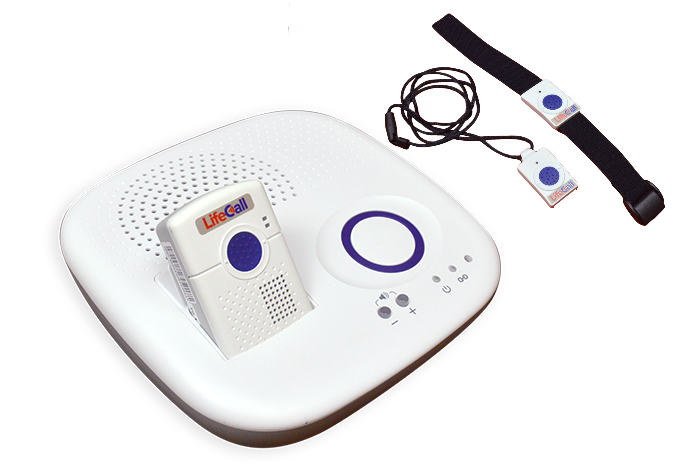
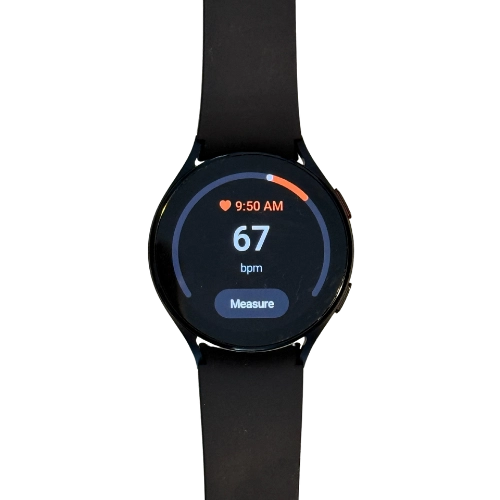
Ask what help you actually want
Discuss who should be contacted, what information can be shared and whether an app is useful. A relative’s interest in location updates does not automatically mean the wearer wants continuous sharing. Ask the provider which permissions can be changed later.
Build a reachable contact list
List primary and backup contacts, how they are reached and what they can realistically do. A family member working across the city may not be able to enter the home promptly. Ask the provider how it decides between contacting family and requesting emergency services; do not assume the order.
Make apartment access explicit
Record the full street address, building entrance, apartment and any approved access arrangement with the selected provider. Check the plan with a doorman, managing agent or keyholder where applicable. Do not put entry codes or medical histories into a general sales-inquiry form.
Review the plan when life changes
Revisit contacts after a move, hospital stay or change in care arrangements. Confirm who receives low-battery or account notices if those features are offered. A simple written plan can be more useful than an app nobody checks.
Sources & useful reading
Public sources support the factual context. The buying questions are practical suggestions, not a test of any product or property. Reviewed November 7, 2026.